
 Most Used
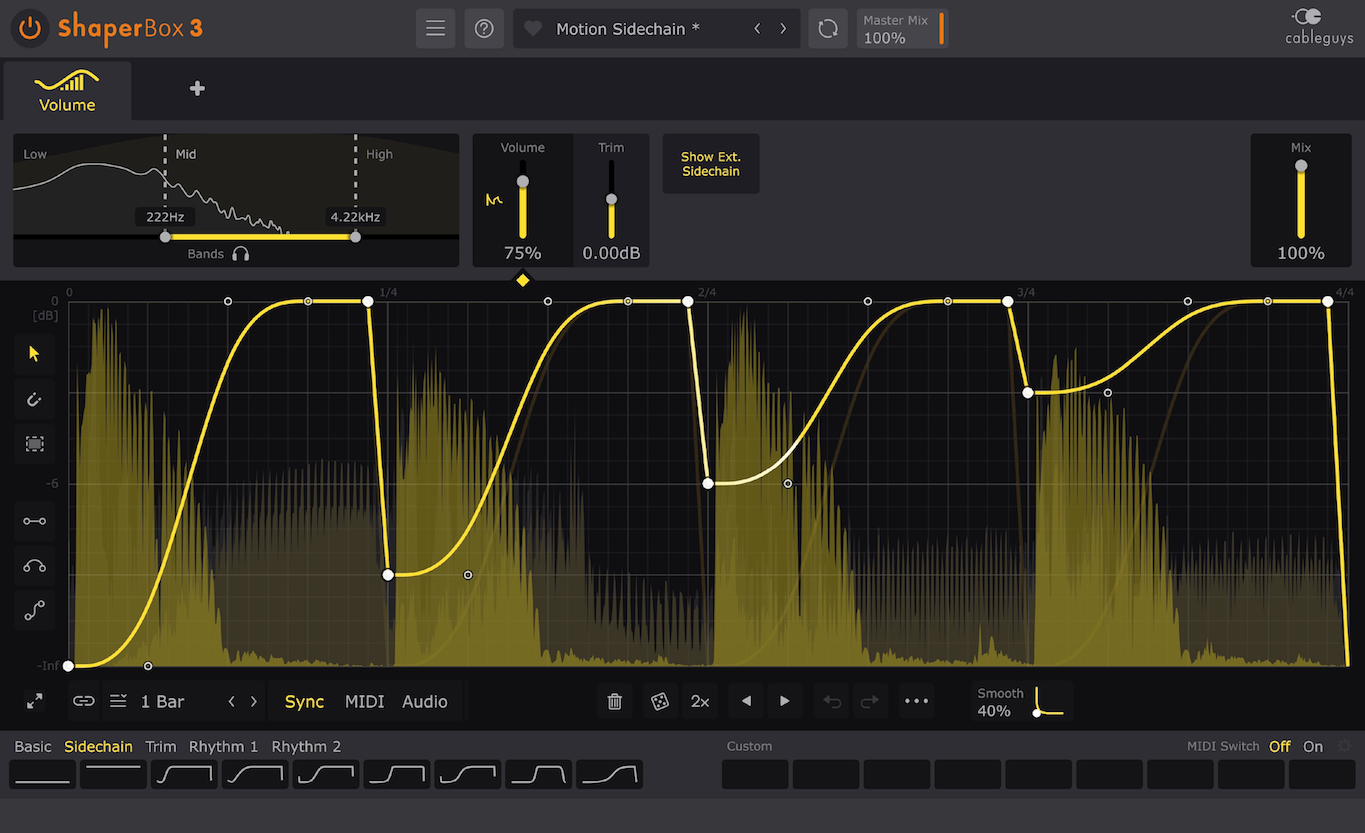
Volume Shaper (Sidechain)
Sidechain ka simplest tareeqa. Kick aate hi music ko duck/pump karta hai — EDM, trap, aur pop me “bounce” ke liye best.
- Clean pumping without compressor
- Control curves & timing
- Great for kick + bass
ShaperBox.org par tumhein milengi beginner-friendly tutorials, audio plugins reviews, sidechain techniques, aur sound design guides — simple, practical, aur result-driven.
Yeh tools music ko clean, punchy aur professional banate hain — mixing, mastering, aur sound design ke liye.
Most Used
Sidechain ka simplest tareeqa. Kick aate hi music ko duck/pump karta hai — EDM, trap, aur pop me “bounce” ke liye best.
 Mixing
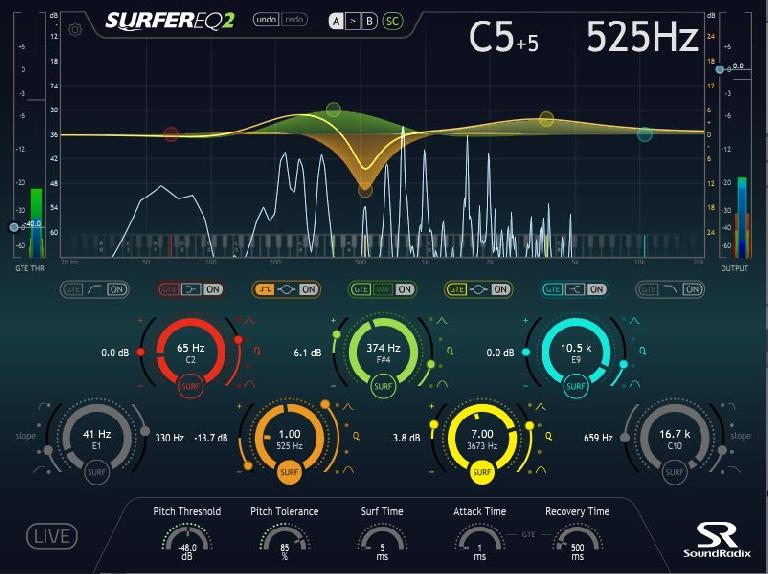
EQ se tum unwanted frequencies cut karte ho aur important frequencies boost. Ye mixing ka #1 tool hai.
 Dynamics
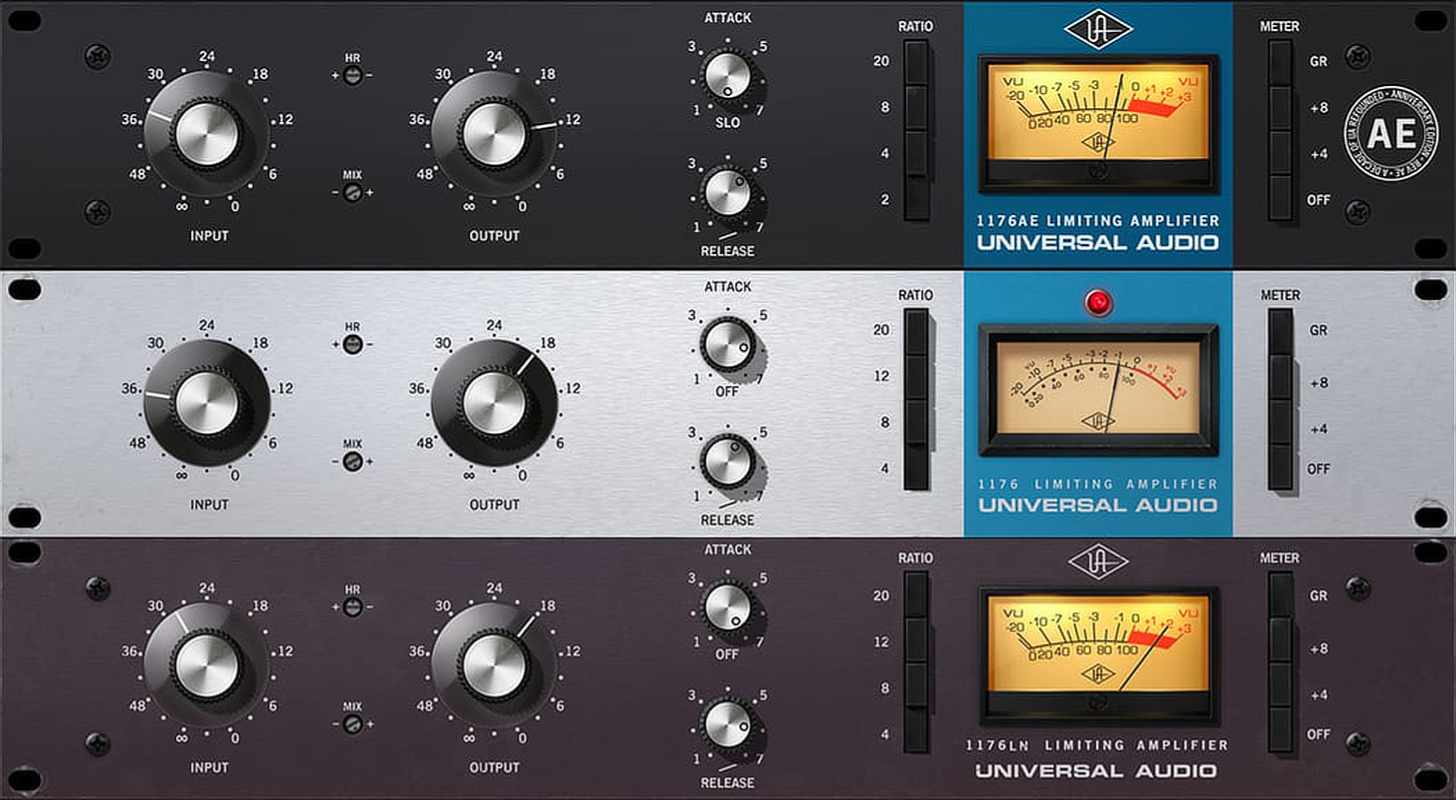
Volume ko control karta hai: vocals smooth, drums punchy, aur overall track balanced lagta hai.
 Space
Space
Track me “space” create karta hai — room, hall, plate. Vocals aur leads ko depth milti hai.
 Rhythm
Echo / repeat effect. Vocals ko wide banata hai aur instruments me rhythm texture add karta hai.
 Color
Color
Sound ko warm, loud aur “analog” feel deta hai. Bass ko presence, drums ko bite, vocals ko energy.
Step-by-step lessons jo tumhein beats, mixing, sidechain aur workflow improve karna sikhaate hain — beginners ke liye perfect.
 Beginner
Kick aur bass ko clean banane ka easiest method. Pumping effect bhi milega aur mix bhi clear rahega.
 Mixing
EQ + compression + leveling ka simple workflow. Tumhara track instantly balanced aur professional lagega.
 Beats
Beats
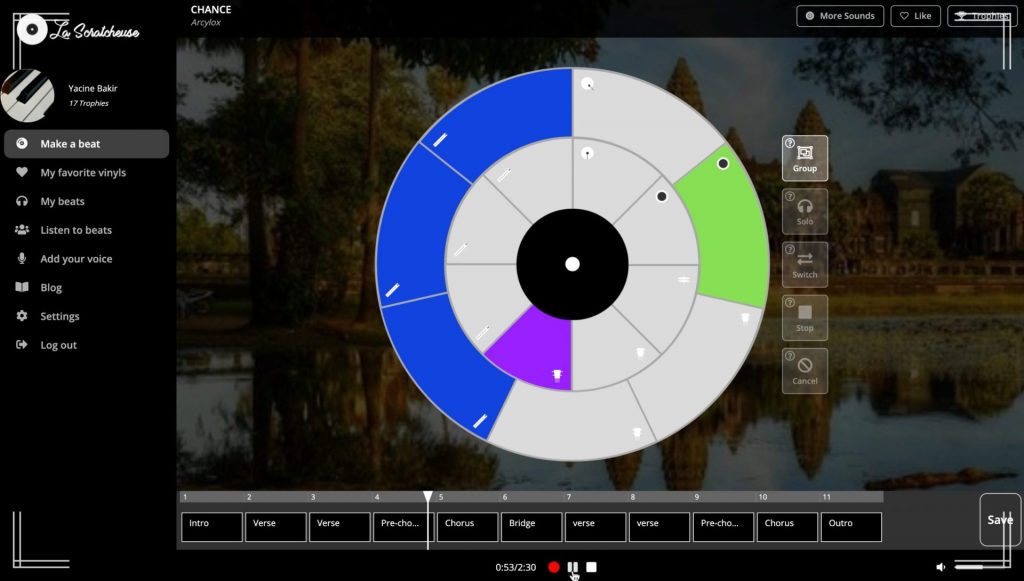
Drum pattern, groove, aur arrangement ka easy method. Beginners ke liye step-by-step.
 Vocals
Vocals ko clean, bright aur upfront banane ke liye simple chain: EQ → comp → de-esser → reverb/delay.
 Creative
Filters, volume automation, pan moves aur rhythmic effects se sound ko alive banao — modern vibe.
 Mastering
Loudness, limiter, aur clean master chain ka beginner method — bina distortion ke.
Sounds ko “alive” banane ke liye movement, textures, bass, leads aur FX create karna — yahan se start karo.
 Bass
Bass
Sub bass ko tight rakho aur mid-bass me harmonics add karo. Result: powerful bass jo small speakers par bhi sunai de.
 Leads
Leads
Leads ko wide banane ke liye detune, stereo, reverb/delay ka smart use. Melody ko “front” pe lao.
 Plucks
Envelope settings se pluck ka character banta hai: fast attack, quick decay, aur thoda space — modern vibes.
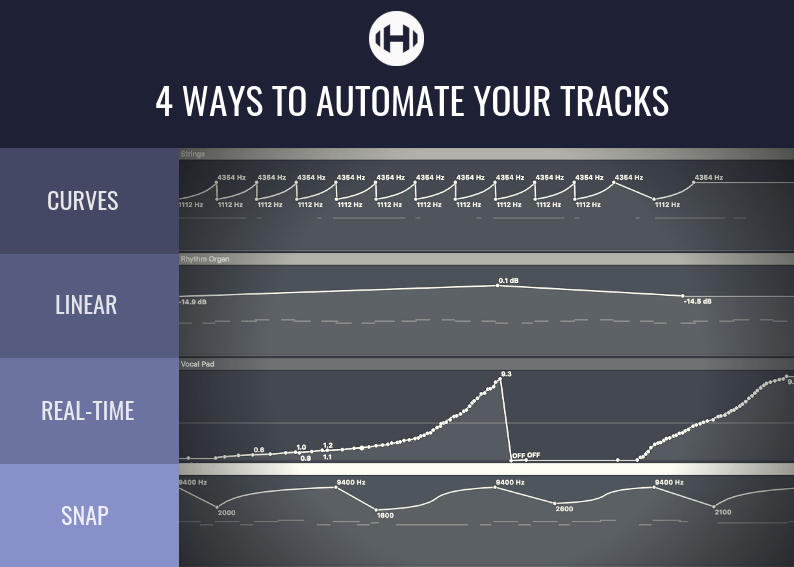 Movement
Volume, filter aur pan automation se sound me “motion” aati hai. Drop me energy aur build-up me tension create hoti hai.
 Texture
Background ambience, noise layers aur pads track ko cinematic feel dete hain — bina mix ko messy kiye.
Transitions ko powerful banao. Risers build tension, impacts drop ko hit banate, sweeps smooth flow dete.
FL Studio, Ableton, Logic aur Studio One jaisay DAWs ko properly setup karna, shortcuts seekhna, aur workflow fast karna — sab yahan.
 Popular
Playlist, mixer, routing aur basic workflow. Beginners ke liye clean start + common mistakes avoid.
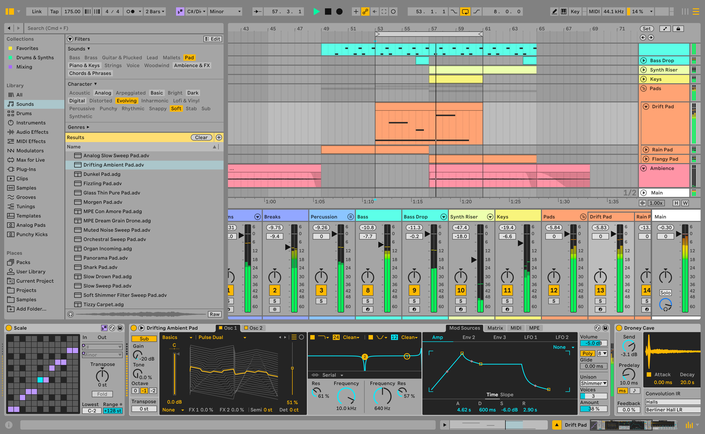 Workflow
Session view vs arrangement view samjho. Fast idea-to-track workflow ke liye best DAW.
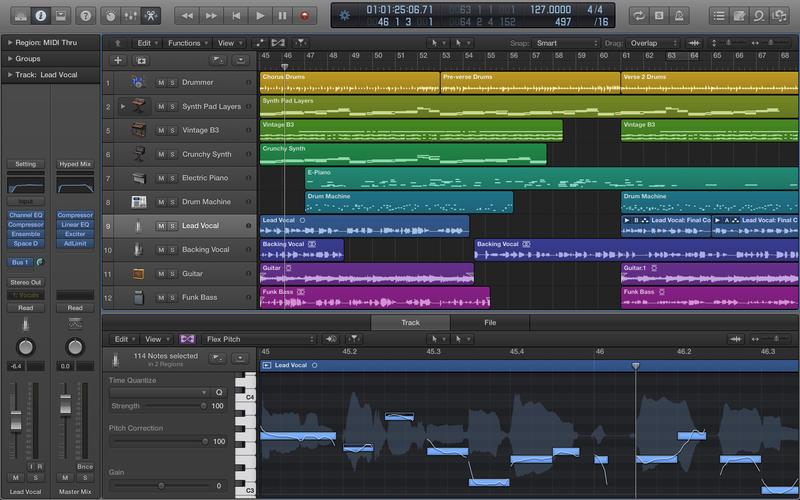 Clean Mix
Apple users ke liye best: stock plugins, smooth workflow, aur clean recording/mixing setup.
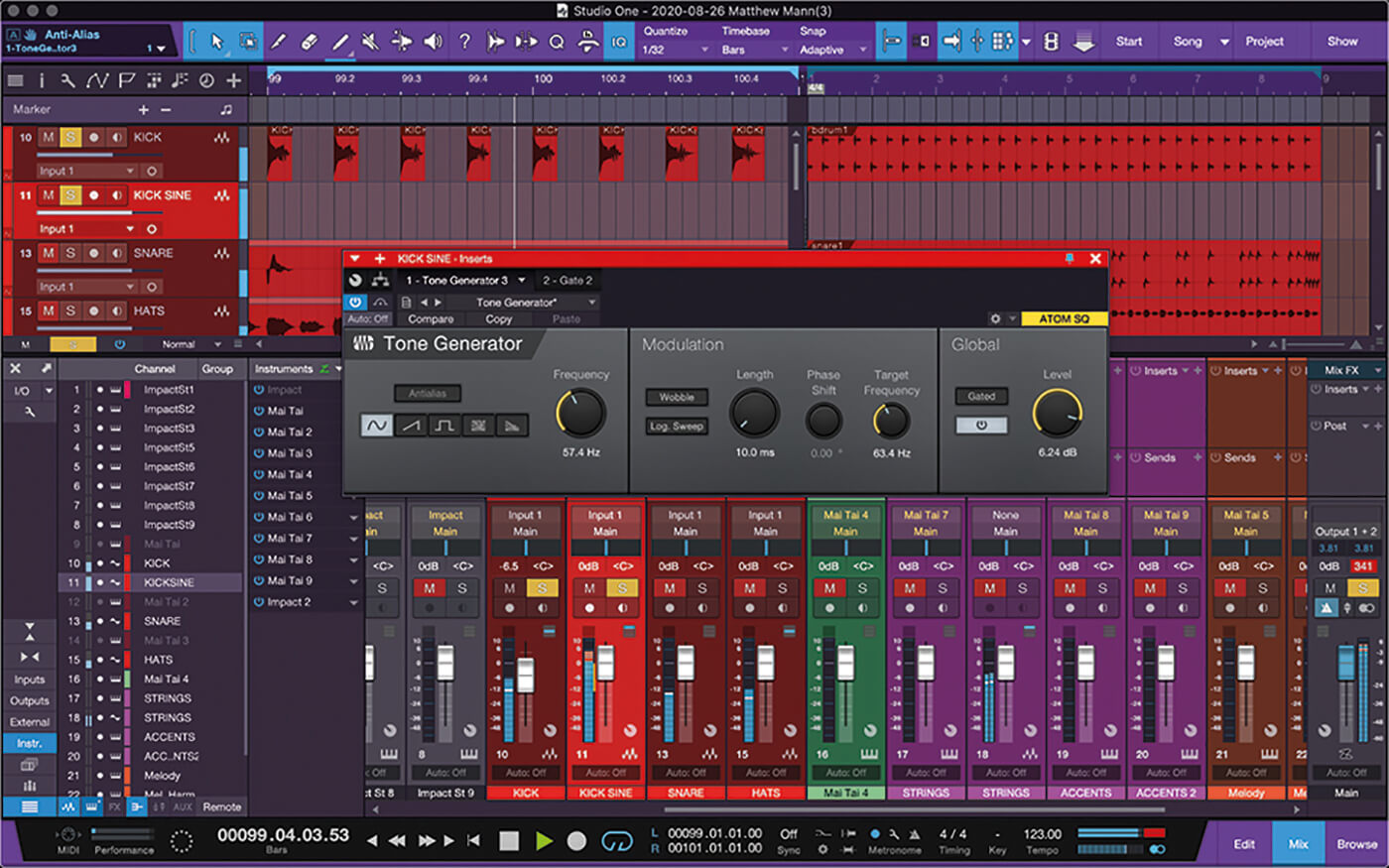 Modern
Drag-and-drop workflow, clean interface, aur fast mixing. Beginners aur intermediate dono ke liye smooth.
 Lightweight
Low-end PC pe bhi smooth. Custom shortcuts, templates aur efficient mixing/recording workflows.
 Must Know
Sample rate, bit depth, loudness aur format (WAV/MP3). Galat export se quality drop hoti hai — yahan fix.
Read our most recent articles for tips and updates !

Quick answers to the most common questions about ShaperBox-style effects, sidechaining, and music production workflow.
ShaperBox is a multi-effect toolbox used for sound design and mixing. It helps you create sidechain-style pumping, filters, time effects, distortion, panning movement, and more. :contentReference[oaicite:1]{index=1}
Sidechaining is a technique where one track controls an effect on another track—most commonly the kick makes bass/chords duck to create space and rhythm. :contentReference[oaicite:2]{index=2}
In ShaperBox, switch to Audio Trigger mode and enable External Sidechain, then select the sidechain source track from your DAW’s sidechain menu (steps vary by DAW). :contentReference[oaicite:3]{index=3}
VolumeShaper is a volume-LFO tool that can be triggered by beats, MIDI, or audio, letting you draw precise ducking/pumping curves—often used instead of compressor sidechain. :contentReference[oaicite:4]{index=4}
Both are useful: compressors respond dynamically to the signal, while volume shapers give consistent, drawable curves. Many producers use volume shapers for tight EDM pumping and compressors for natural dynamics.
Clicks usually happen when the volume curve has sharp edges or the timing is too fast. Smooth the curve (tiny fade in/out), avoid sudden jumps, and match trigger settings to your pattern.
Yes. You can use it for subtle level control, gentle filtering, stereo movement, and rhythmic shaping to make mixes cleaner and more controlled. :contentReference[oaicite:5]{index=5}
Start simple: Gain staging → EQ cleanup → Compression (if needed) → Reverb/Delay (send) → Sidechain (kick/bass) → Final leveling. Keep changes small and A/B often.
Not if used correctly. Over-ducking can feel unnatural, but proper settings create space and clarity without damaging the mix. Use gentle curves and listen in context.
Many producers use MIDI-trigger or beat-sync volume shapers to avoid heavy routing. The exact method depends on the plugin and DAW, but the idea is “draw the shape” and trigger it consistently.