
 Beginner
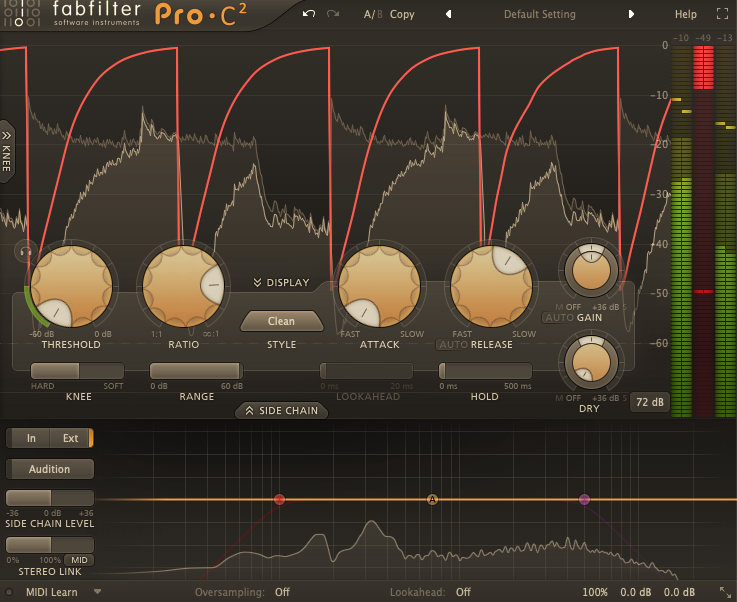
Sidechain in 5 Minutes
Kick aur bass ko clean banane ka easiest method. Tight pumping ya subtle ducking — dono possible.
- Setup + timing
- Common mistakes fix
- EDM/Trap use-cases
Learn the essentials of music production with simple, practical tutorials. From sidechaining and mixing to vocal processing, sound movement, and clean mastering — all explained in an easy workflow.

Agar tum beginner ho, is order ko follow karo. Isse tumhari learning fast hogi aur mix clean rahega.
Pick a tutorial and follow the steps. Every guide is designed to be short, clear, and practical.
Beginner
Kick aur bass ko clean banane ka easiest method. Tight pumping ya subtle ducking — dono possible.
 Mixing
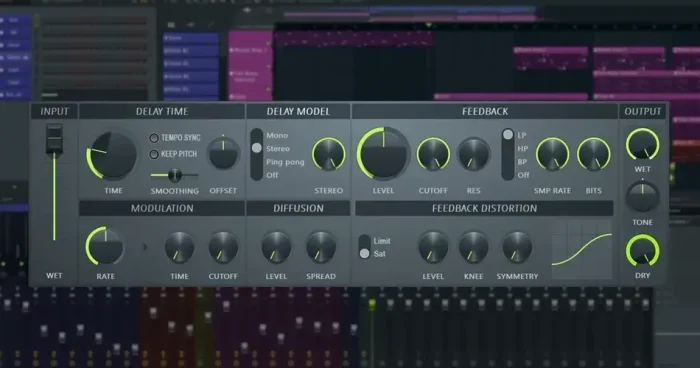
EQ cleanup + compression + leveling. Ye workflow tumhara mix instantly balanced banata hai.
 Vocals
Simple chain: EQ → compression → de-esser → reverb/delay. Vocals clean aur upfront.
 Beats
Beats
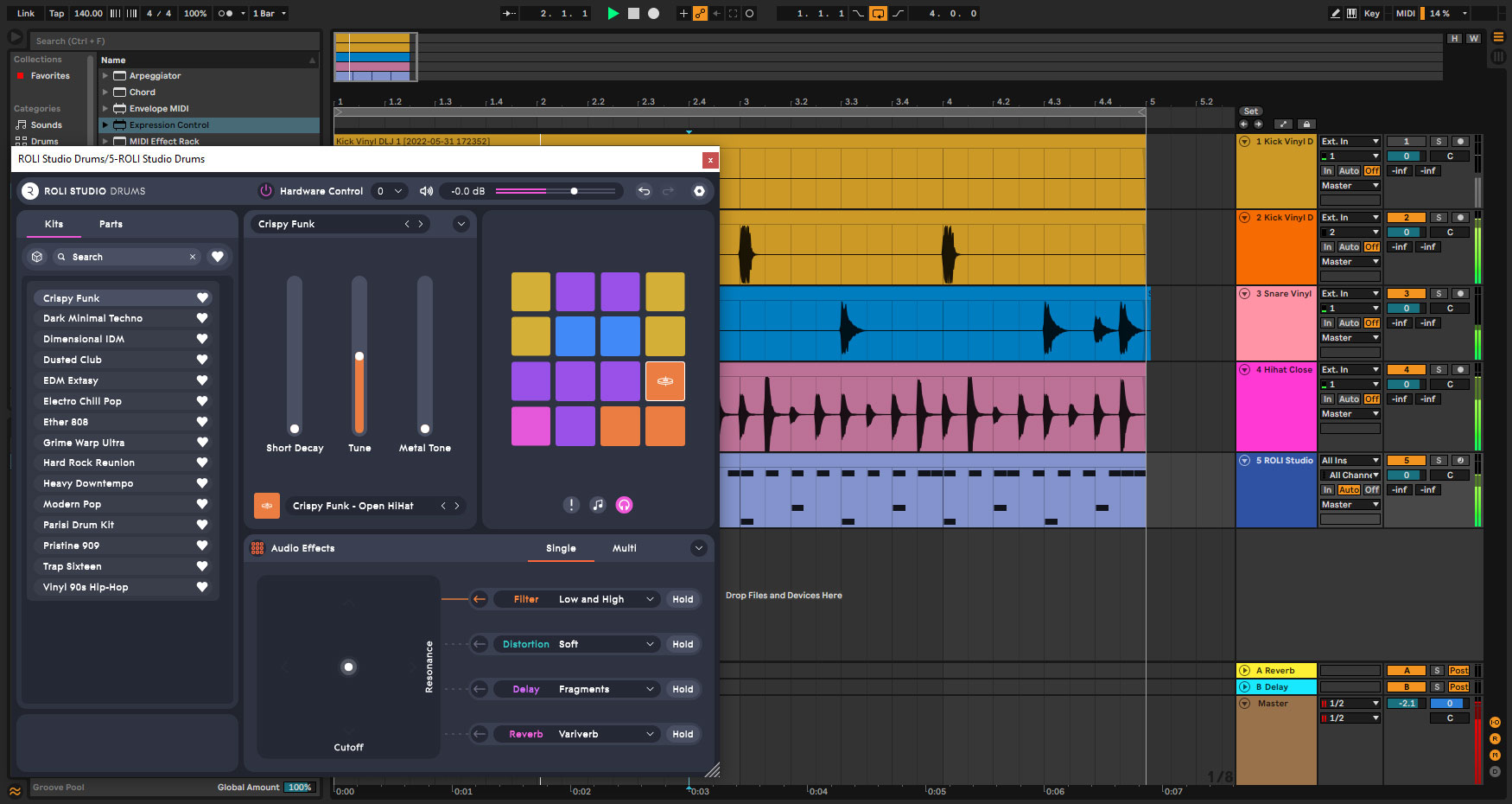
Drum pattern + groove + quick arrangement. Beginner friendly steps to finish tracks faster.
 Creative
Filters, volume, pan automation — sound ko “alive” banane ka best method for modern tracks.
 Mastering
Clean limiter, clipping avoid, loudness basics, aur export settings (WAV/MP3) explained.
Start with simple tools. Overloading plugins early on can make mixes worse. Keep it minimal.
Want a specific tutorial (example: “Sidechain in FL Studio with volume shaper”)? Email us at bloginga@gmail.com.