 Popular
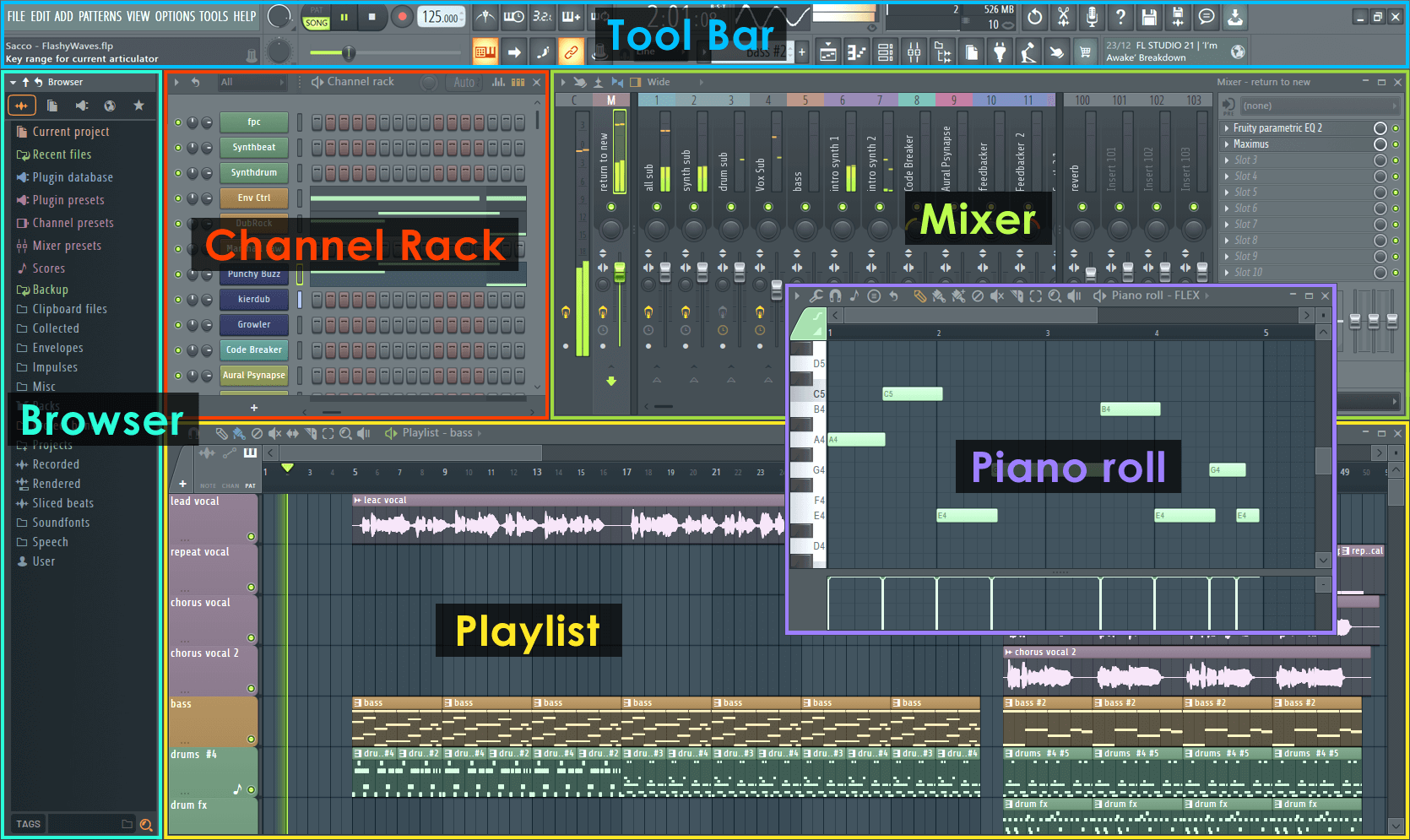
FL Studio Guide
Understand Playlist, Channel Rack, Mixer routing, and clean project workflow.
- Audio settings & latency
- Mixer routing basics
- Playlist arrangement workflow
Your DAW is your studio. This page helps you set up audio properly, build a clean project template, route instruments and effects, and export with correct settings — so your music sounds consistent everywhere.
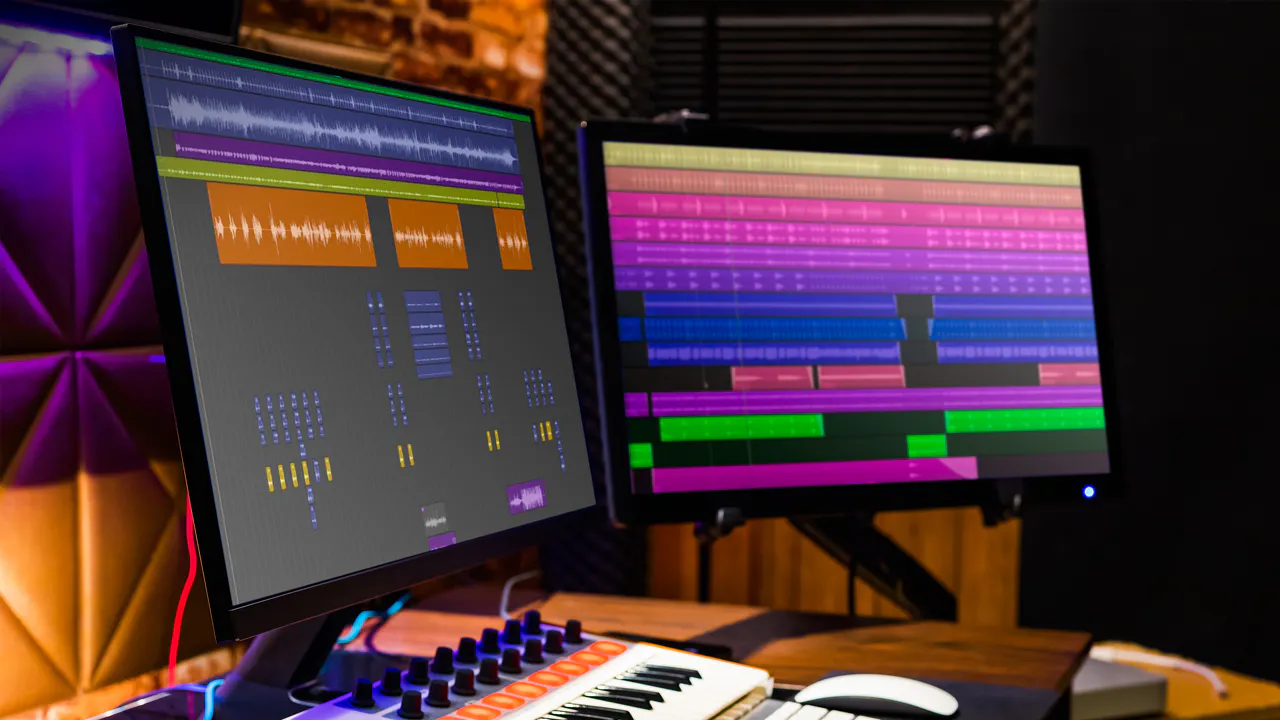
A DAW (Digital Audio Workstation) is the software where you record, arrange, edit, mix, and export music. Examples include FL Studio, Ableton Live, Logic Pro, Studio One, and Reaper.
Choose your DAW and follow the key steps. These are universal concepts that work across most software.
Popular
Understand Playlist, Channel Rack, Mixer routing, and clean project workflow.
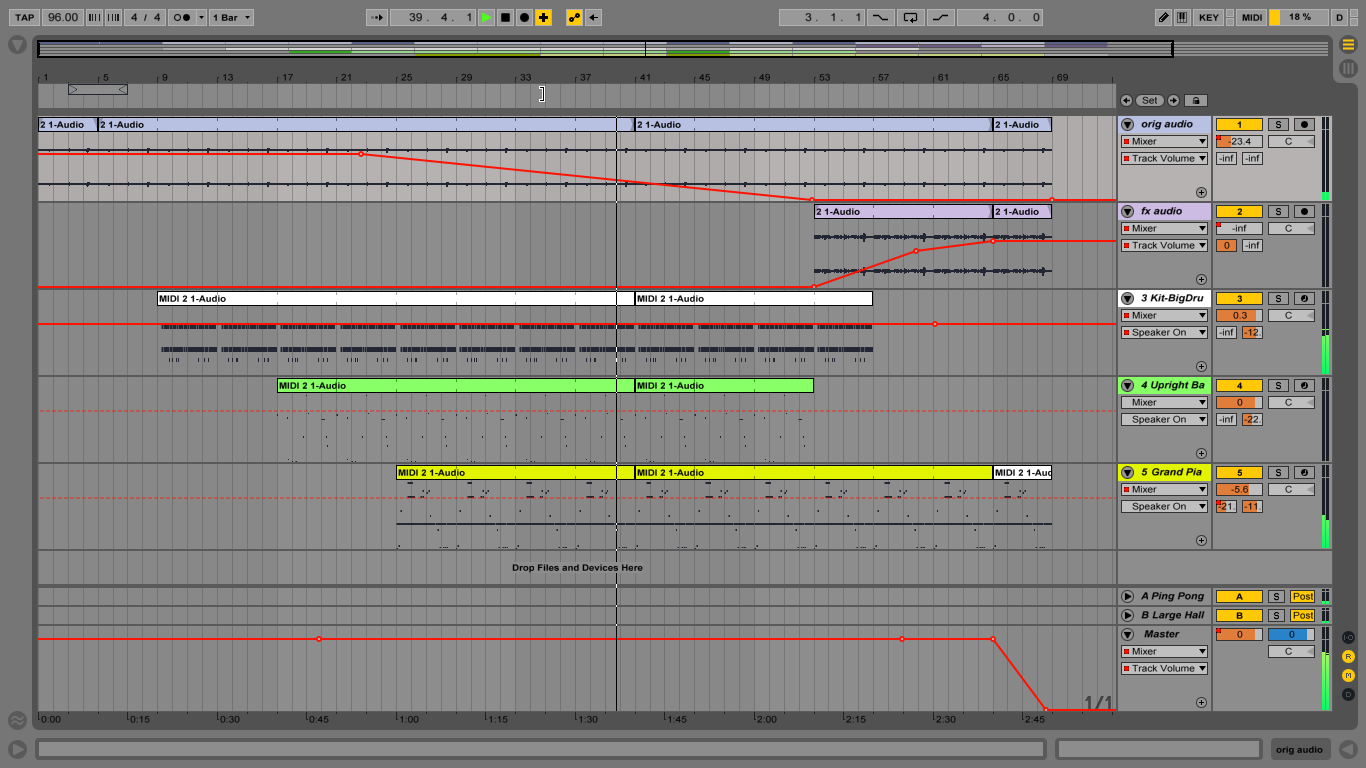 Workflow
Session view vs Arrangement view, warping basics, and a fast creative workflow.
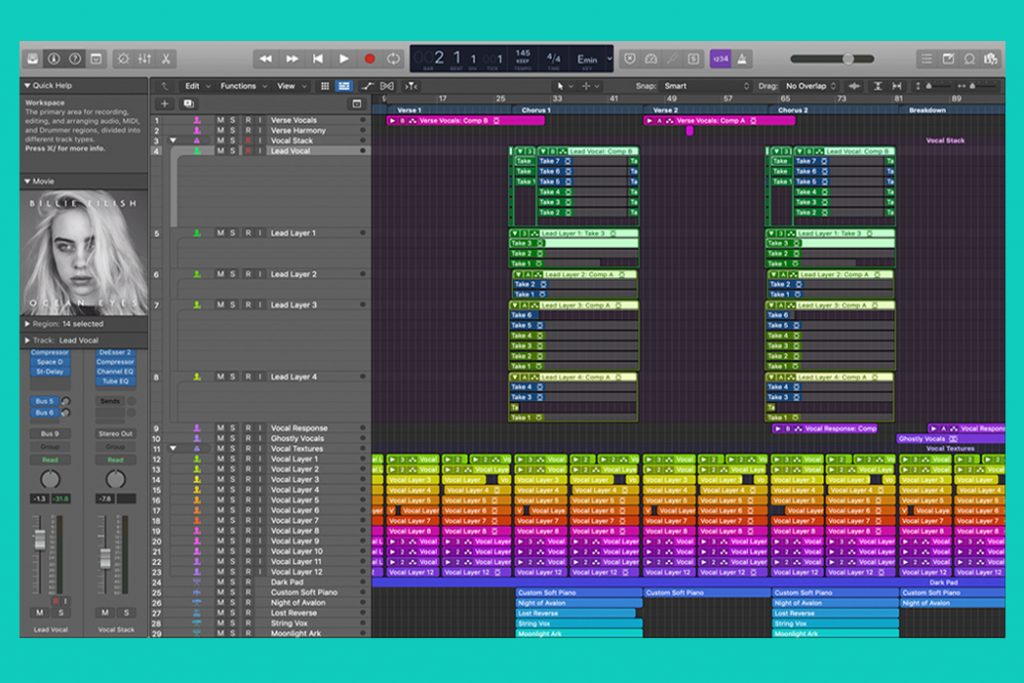 Clean Mix
Recording setup, stock plugins, buses/sends, and smooth mixing workflow for Mac users.
 Modern
Drag-and-drop workflow, editing tools, and fast mixing features for beginners.
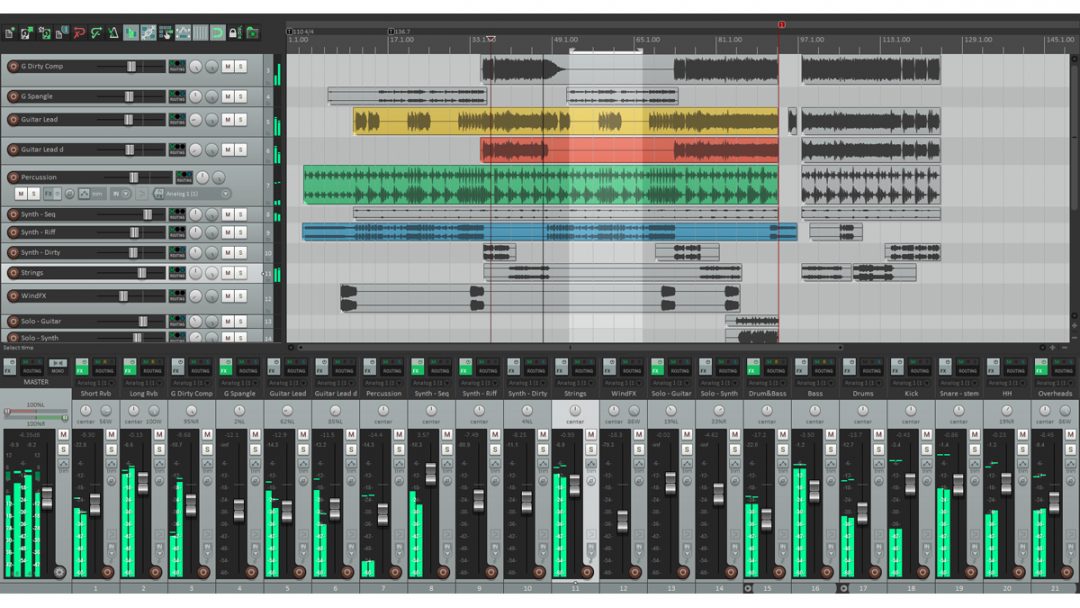 Lightweight
Best for low-end PCs. Custom shortcuts, templates, and efficient mixing/recording workflow.
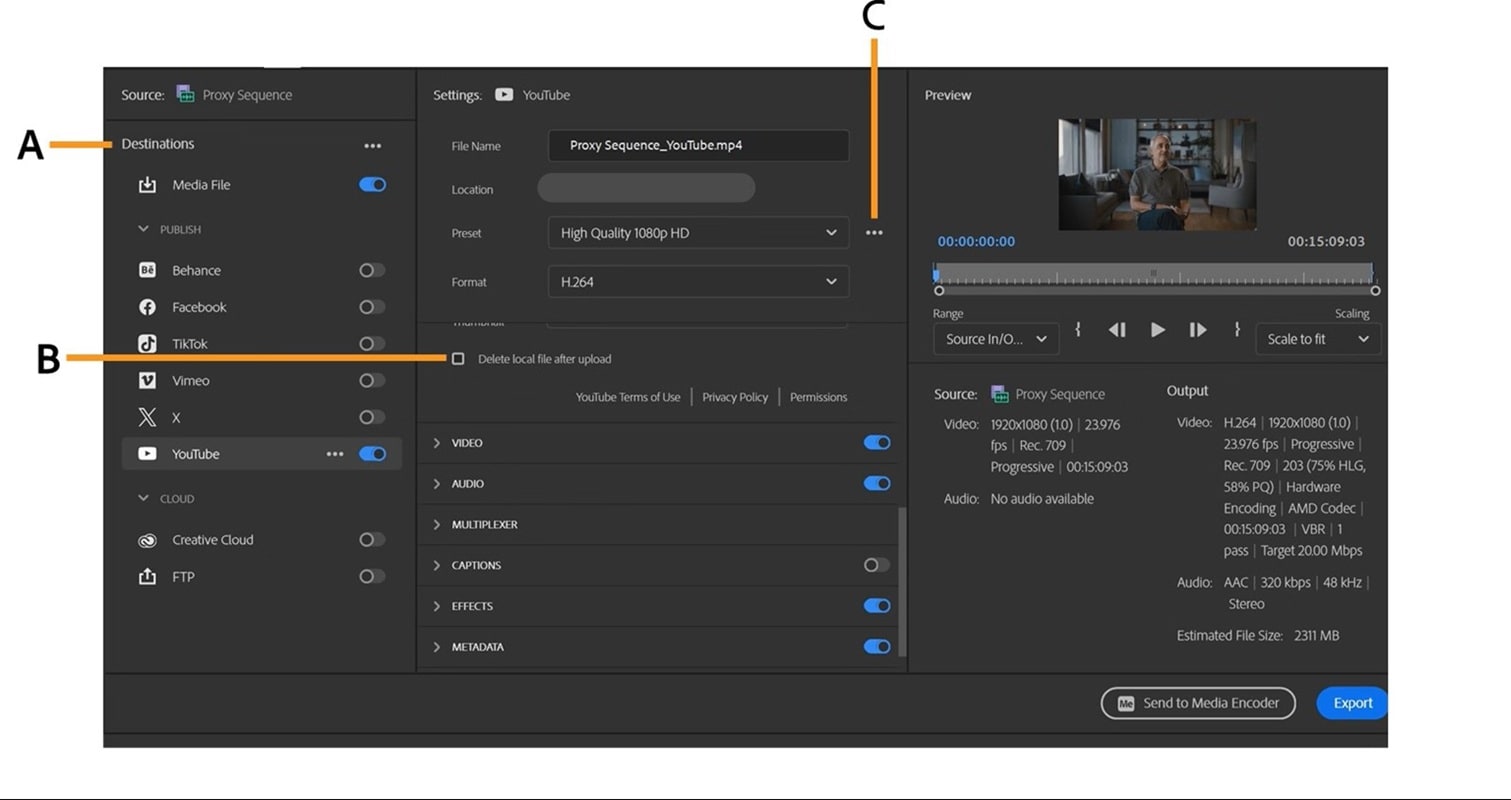 Must Know
Correct format, sample rate, bit depth, and loudness basics — so your music plays well everywhere.
Routing means sending tracks to groups/buses. Example: all drums go to a Drum Bus. This makes mixing easier and cleaner.
Want a specific guide (example: “FL Studio sidechain routing”)? Email us at bloginga@gmail.com.