
 Bass
Bass
Bass Design (Sub + Mid Layer)
A strong bass usually has two layers: a clean sub for weight and a mid-bass for presence on small speakers.
- Sub: sine wave, mono, clean
- Mid: saturation/distortion for harmonics
- Sidechain for kick space
Sound design is the art of shaping a sound from basic waves into something that feels unique and alive. This page covers bass, leads, plucks, textures, and FX — with a clean workflow you can use in any DAW.
Sound design means building or shaping sounds using synths and effects. You start with a simple waveform (sine, saw, square) and use tools like filters, envelopes, EQ, saturation, reverb, and automation to create a sound that fits your track.
Choose a sound type and follow the best practices. Keep it simple: shape → clean → add movement.
Bass
A strong bass usually has two layers: a clean sub for weight and a mid-bass for presence on small speakers.
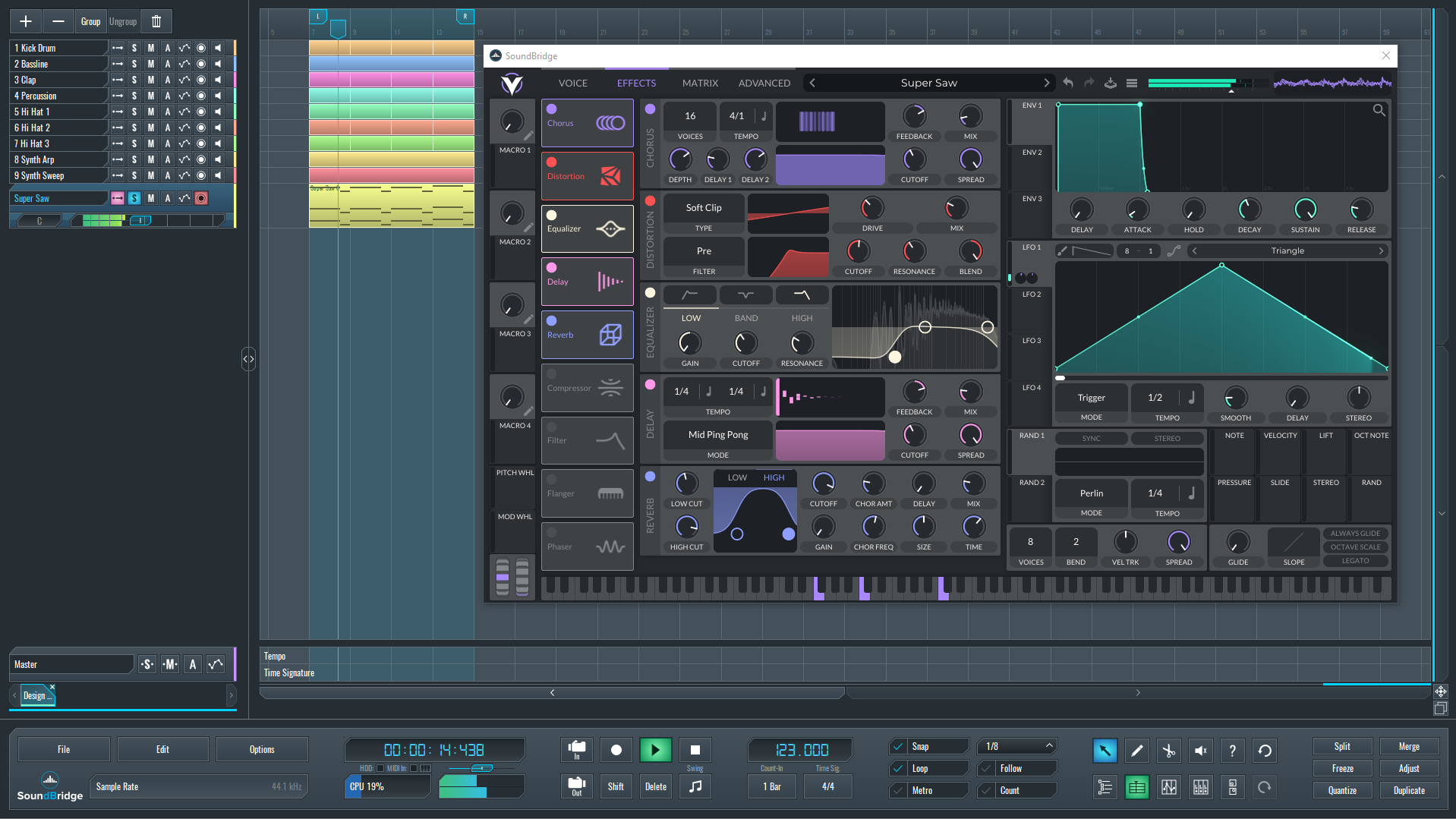 Leads
Leads
Leads should feel focused and exciting. Use unison/detune for width and add delay for energy.
 Plucks
Plucks are mostly envelope work. Fast attack, quick decay, and a controlled reverb tail.
 Movement
Movement makes a sound feel alive. Automate filters, volume, pan, or use rhythmic LFO shapes.
Textures fill the background and make tracks feel bigger. Use noise, pads, field recordings (cleaned).
FX guide your listener through transitions. Risers build tension, impacts hit the drop, sweeps connect sections.
Use this repeatable process so your sound stays clean and mix-ready:
Want a specific sound tutorial (example: “Future bass lead design”)? Email: bloginga@gmail.com